
The Ocean County Clerk's Office
New Jersey uses a split clerk structure. Two separate offices handle very different jobs, and it matters which one you contact. The Superior Court Clerk / SCCO holds court case files, judgment liens, foreclosure records, and archived civil and divorce files. The Ocean County Clerk, by contrast, is a county constitutional officer elected by voters. John P. Kelly holds that seat, with his term set to expire December 31, 2030.
The county government directory describes the County Clerk's core duties this way: supervising the filing and recording of all documents affecting real estate ownership and transfer throughout Ocean County, helping residents get passports, and administering all elections in the county. Land documents are the largest part of the workload. Every deed, mortgage, assignment, satisfaction, easement, and related instrument that touches Ocean County real property must pass through the Clerk's recording office before it is legally effective as a public notice of interest. The Clerk's official page is oceancountyclerk.com.
The screenshot below comes from the Ocean County Clerk homepage, which links to office locations, recording services, elections, the public land search, property alerts, and passport appointments.
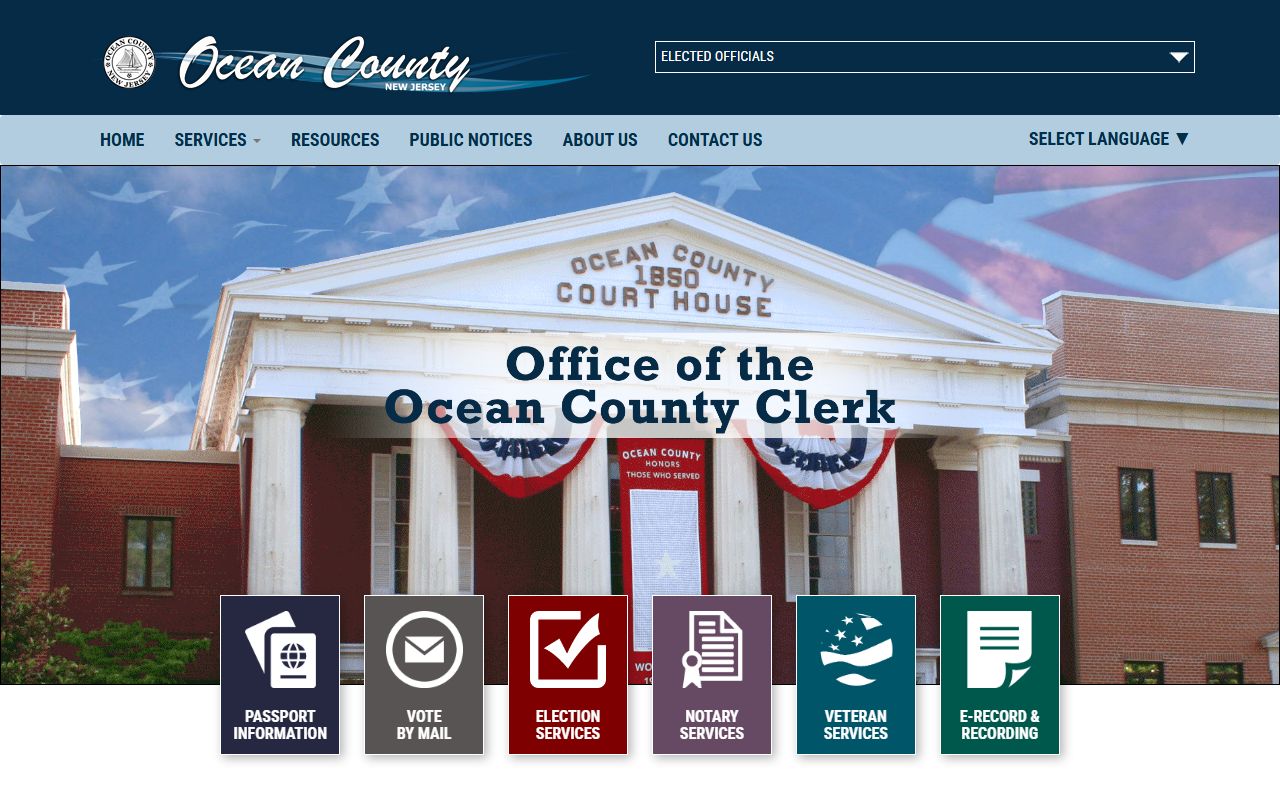
From that home page you can reach the recording portal, the Official Records Public Search, the OPRA form, and all four office locations across the county.
Ocean County Official Records Public Search
The free public land-records portal is at sng.co.ocean.nj.us/publicsearch/. It lets anyone search verified recorded documents by party name, document type, town, date range, book and page, instrument number, lot and block, parcel ID, legal description, or map number. The system covers deeds, mortgages, assignments, releases, and many other instrument types recorded in Ocean County. Results show only verified documents; the status flags R and C mark replaced and correction records.
The search interface offers several modes. A Party Name search finds all documents tied to a grantor or grantee. A grantor is the party giving away or transferring an interest; a grantee is the party receiving it. A Document Type search lets you narrow by instrument code. A Property search uses town, lot, and block fields. An Instrument Number search pulls up a single document when you have the exact reference. Some document images are restricted or require a login account; free public searches return index information and may include images depending on document type and restriction flags.
The table below lists every search field in the Official Records Public Search, based on the live portal inspection completed May 27, 2026.
| Field Label | Type | Required | Notes / Format |
|---|---|---|---|
| Party Name | Text | Required for Party search | Last Name First Name; no comma between first and last; company names also accepted. |
| Document Type | Text / dropdown | Optional in Party search; required for Document Type search | Use comma-separated codes for multiple types, e.g., MTG. Grouped lists load dynamically. |
| Town | Dropdown | Optional | Options load dynamically by municipality name. |
| Date Range From | Date text | Optional | MM/DD/YYYY; quick-select buttons for 7 Days, 30 Days, 90 Days. |
| Date Range To | Date text | Optional | MM/DD/YYYY. |
| Consideration Amount | Numeric | Optional | Returns results equal to or greater than amount entered. Consideration is the sale price or value exchanged in a transaction. |
| Instrument Number | Text | Required for Instrument search | Numbers and characters, e.g., 1999002121. |
| Book / Page Type | Dropdown | Required for Book/Page search | Select book type before entering book and page numbers. |
| Book / Page | Two text fields | Required for Book/Page search | Numbers only, e.g., 12345 / 1234. |
| Lot / Block | Two text fields | Optional under Town search | Lot and block fields; commonly used for property-specific searches. |
| Legal Description Line 1 | Text | Optional | Search by legal description text as recorded. |
| Parcel ID | Text | Required for Parcel ID search | Enter Parcel ID as it appears in the system. |
| Map Number | Text | Required for Map search | Enter map number exactly. |
| District | Text / dropdown | Optional | Used in parcel and map searches. |
| Map / Sub Map | Two text fields | Optional | Slash-separated values. |
| Parcel / Sub Parcel | Two text fields | Optional | Slash-separated values. |
| Case / Parcel | Text | Required for Case/Parcel search | Must be entered exactly as it appears; example format 1234-1234-123. |
| Board / Commission Name | Text | Required for Board/Commission search | Exact name or use list and select by checkbox. |
| Captcha | Checkbox | Required | "Please verify that you are not a robot" check before running any search. |
The screenshot below links to the Official Records Public Search portal itself, showing the main search interface used to look up Ocean County land records.
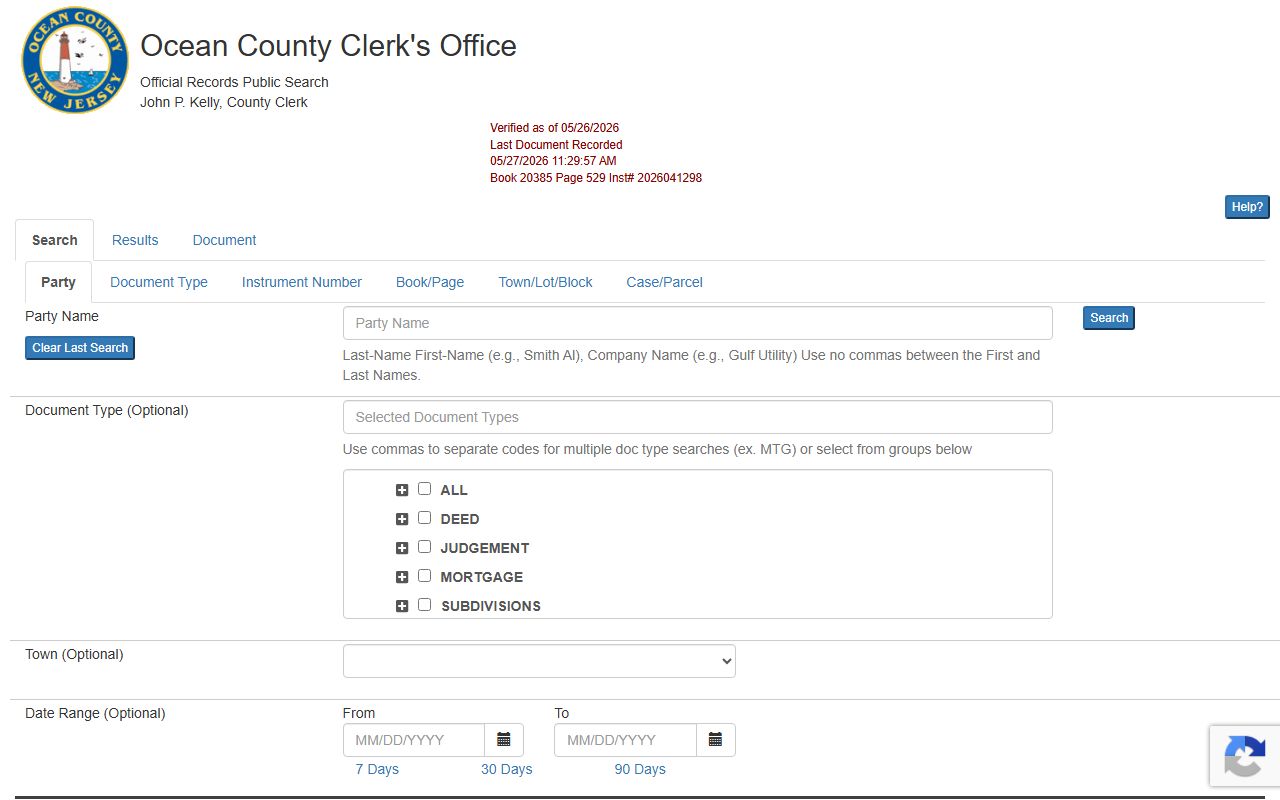
After running a search, results appear in the Results tab. Each row shows the document type, instrument number, date, parties, consideration, and book/page reference. Click a row to open the Document tab, where you can view, rotate, or print image pages when images are available and not restricted.
How to Search Ocean County Land Records
The steps below walk through a standard name search in the Official Records Public Search portal. Most people start with a party name when looking up ownership history or a specific recorded document.
- Go to sng.co.ocean.nj.us/publicsearch/ and accept any terms if prompted.
- Select the Party Name search tab or method.
- Type the last name first, then the first name, with a space between them and no comma. For businesses, type the company name as it would appear on a recorded document.
- Optionally add a Document Type code, a town from the dropdown, or a date range to narrow results. Use the 7-Day, 30-Day, or 90-Day buttons for recent recordings.
- Complete the Captcha checkbox to confirm you are not a robot.
- Click Search. Results appear in the Results tab sorted by date or instrument number.
- Click any row to open the Document tab and view the instrument record. Images load when available. If an image is restricted or requires login, the portal displays a notice.
- Use Print Results or Add to Cart for documents you want to save. A login account is needed for cart functions and some print options.
If you know only a book and page reference from an older title search or legal description, switch to the Book/Page search mode, select the book type, and enter both numbers. For a specific parcel, the Town plus Lot/Block fields are the fastest path. For help with the public search, call 732-929-2018.
Note: Search results include verified documents only. Records with a status other than V or B are not verified, and R or C flags mark replaced or correction records.
Recording Documents and E-Recording
Anyone who wants a deed, mortgage, release, or related instrument to take effect as a public notice must record it with the Ocean County Clerk. Recording creates the public record and protects priority of ownership or lien interest. Documents that are not recorded may not be enforceable against later buyers or lenders who had no notice of them. The Clerk checks each instrument for completeness before accepting it for recording.
Walk-in recording happens at the Main Office at 118 Washington Street in Toms River during business hours. A 24-hour document drop box sits on the Washington Street curb in front of the courthouse for real estate ownership and transfer documents when the office is closed. That detail is useful for attorneys and title companies who need to record after hours. The Clerk's Records and Forms page at oceancountyclerk.com/frmRecordsForms lists current forms, fee references, and drop-box details.
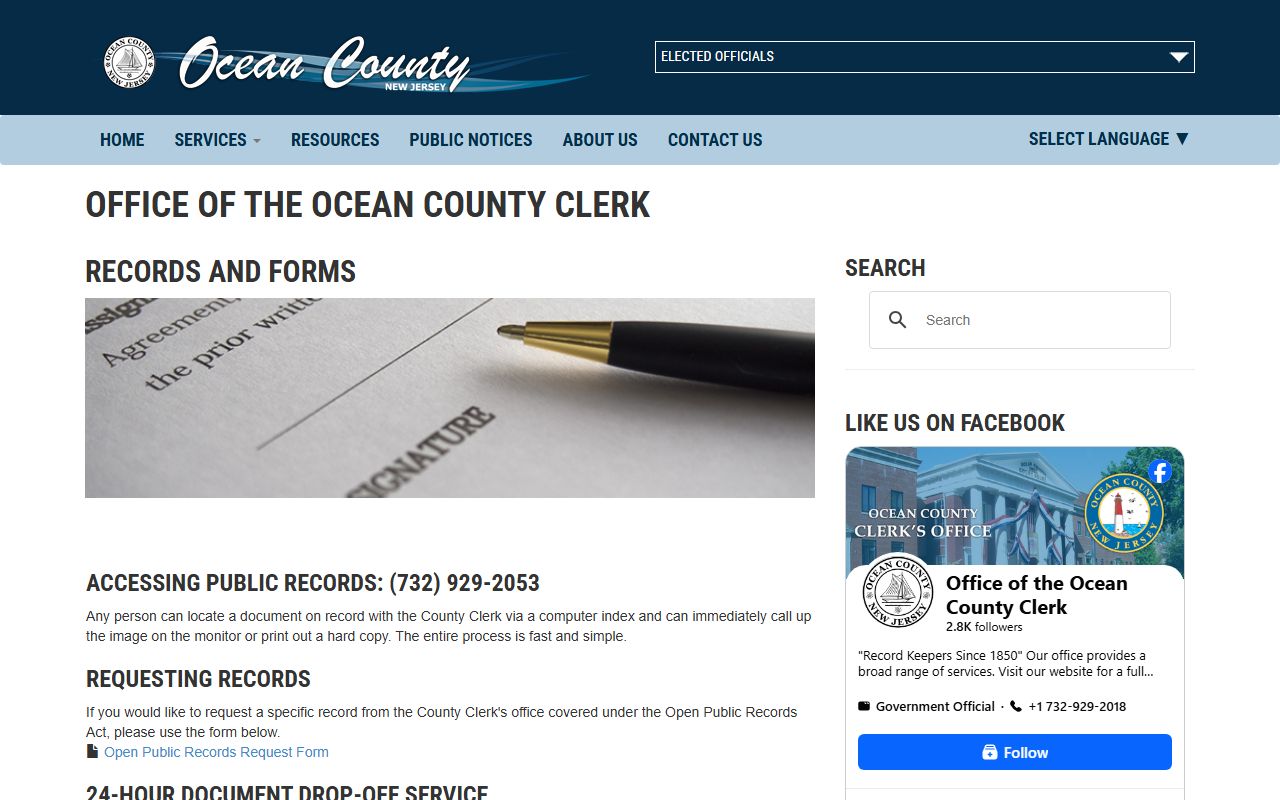
The screenshot below links to the Clerk's Records and Forms page, which covers OPRA requests, land search tools, tax search, property alert enrollment, the document drop box, and e-recording information.
E-recording is available for banks, law firms, mortgage lenders, title companies, and other regular submitters through NJCountyRecording.com. Account customers can also use the recording customer portal to review their transactions, check deposit balances, and print transaction results without visiting the office. First-time e-recording submitters need to set up an account before they can submit documents electronically.
Ocean County Clerk Property Alert Service
The Property Alert Service lets any property owner or interested party sign up to receive an email when a document is recorded that matches a specified property or name. You can monitor by legal description, which means entering the municipality, block, and lot, or by party name. The service is free and runs through the Clerk's office.
The Clerk is clear about what the alert does and does not do. It does not prevent fraud or stop a document from being recorded. It is a monitoring tool that tells you when activity has occurred, so you can investigate and take action if needed. Fraudulent recording of deeds or mortgage-release instruments is a real risk for property owners who are not actively watching their title. The alert gives you early notice rather than discovering the problem months later during a sale or refinance.
The About page for the service is at countyclerkpas.co.ocean.nj.us/PropertyAlert/Home/About. The screenshot below links to that page, which explains the monitoring options and how enrollment works.
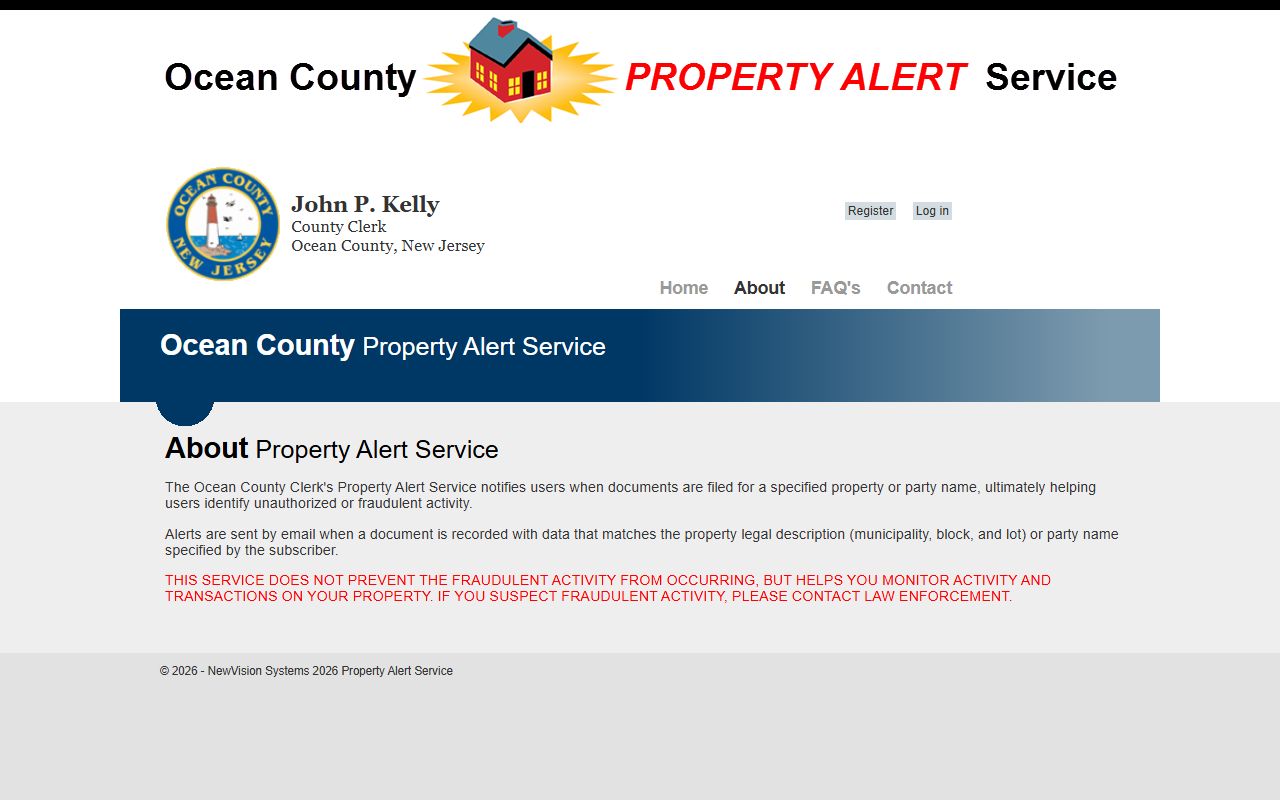
After enrolling, you receive email notifications each time a matching document is recorded. If you see a recording you do not recognize, contact the Official Records Department at 732-929-2053 or reach the Property Alert contact page at countyclerkpas.co.ocean.nj.us/PropertyAlert/Home/Contact for guidance on next steps.
The screenshot below links to the Property Alert contact page, which lists the Official Records Department phone and fraud-related contacts.
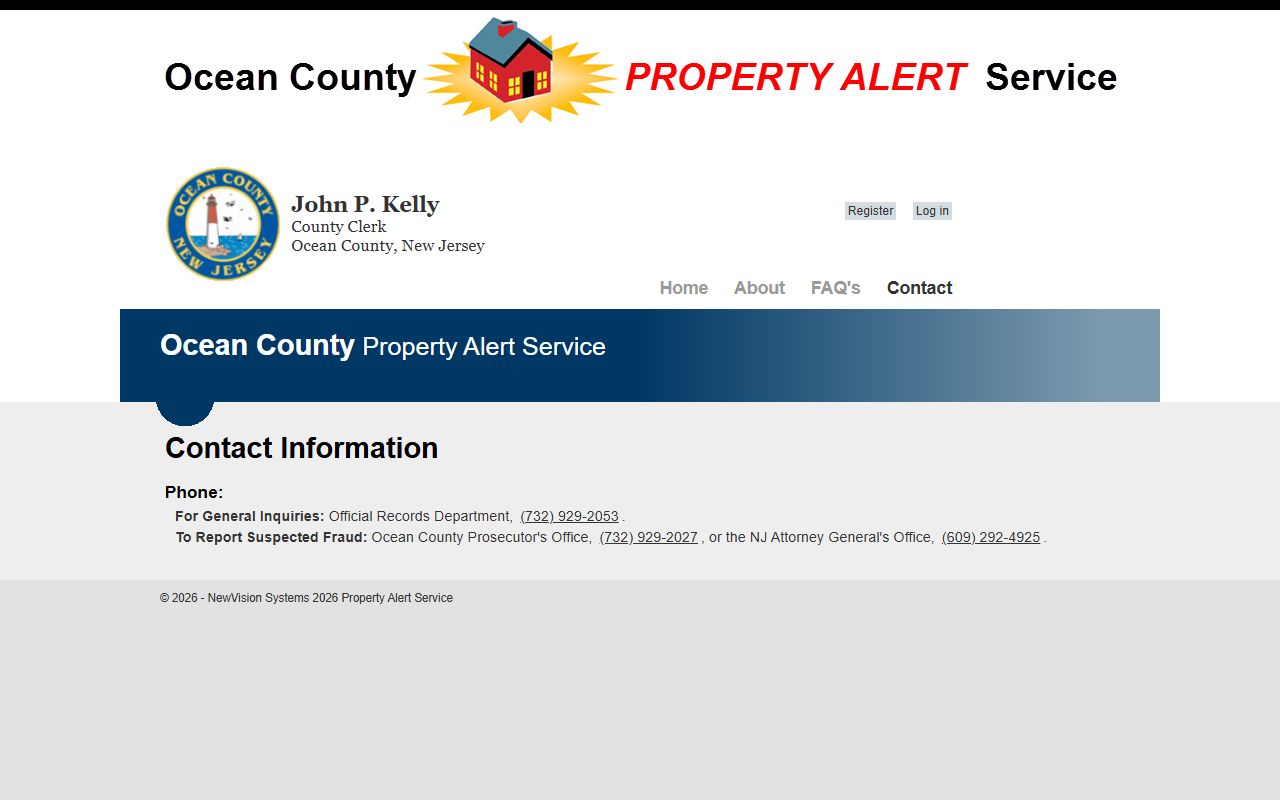
If you suspect a fraudulent recording has already occurred, act fast. Contact law enforcement and the Official Records Department. The Clerk's office can advise on what steps to take, but it cannot remove a recorded instrument without a court order.
Ocean County Clerk Offices and Service Centers
The Ocean County Clerk operates from four locations across the county. The Main Office at the courthouse handles the full range of services including recording, passports, elections, notary, and public search help. Three service centers extend access to residents in northern, central, and southern Ocean County without requiring a trip to Toms River. The government directory entry for County Clerk John P. Kelly is at co.ocean.nj.us/frmGovDirPage.aspx?ID=179.
The screenshot below links to that county government directory entry for the Clerk, which identifies John P. Kelly, his term, and the office's responsibilities.
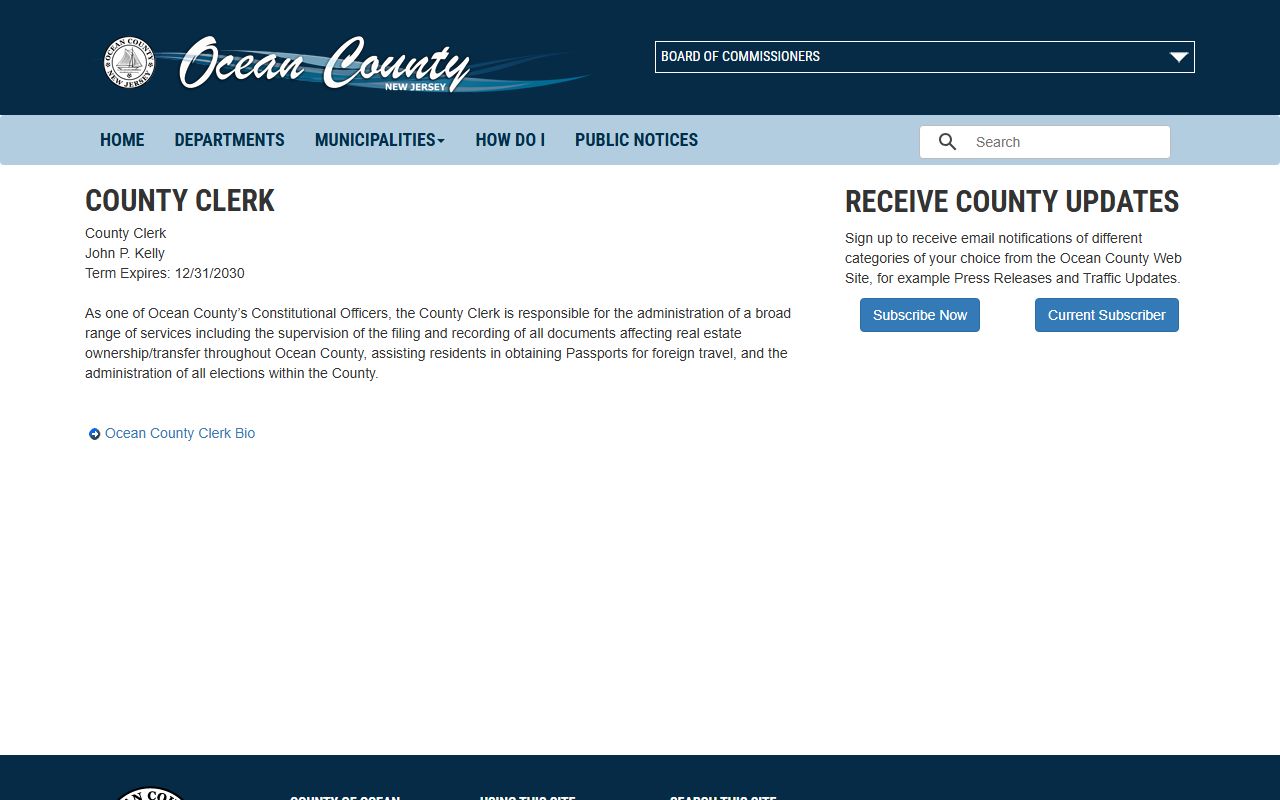
Office hours were listed as business hours Monday through Friday on the official pages inspected. Call ahead to confirm specific hours and service availability at each location before traveling, since service center hours may differ from the Main Office.
Main Office
Ocean County Courthouse
118 Washington Street
Toms River, NJ 08753
732-929-2018
Full recording, elections, passports, notary, public search
County Connection
Ocean County Mall
Hooper Avenue
Toms River, NJ 08753
732-288-7777
Satellite service center in Ocean County Mall
Northern Ocean County Resource Center
225 4th Street
Lakewood, NJ 08701
732-370-8850
Northern county service center serving Lakewood area residents
Southern Service Center
179 South Main Street
Manahawkin, NJ 08092
609-597-1500
Southern county service center serving Stafford and Long Beach Island area residents
For questions about official records or public search help, call the Official Records Department directly at 732-929-2053. General office inquiries go to the main line at 732-929-2018.
Ocean County Clerk Payment Policy
The Clerk's office accepts several forms of payment but has specific rules for checks. Anyone recording documents, ordering copies, or paying fees should know these rules before visiting or mailing a payment. The full policy appears on the Records and Forms page at oceancountyclerk.com/frmRecordsForms.
Cash, personal checks, business checks, and money orders are all accepted. Credit cards were not listed as an accepted payment method on the official pages inspected. For large transactions, the rules shift. Checks over $10,000 in aggregate must be certified checks or bank checks. A personal or business check is not acceptable above that threshold, regardless of the payer's account balance.
| Rule | Details |
|---|---|
| Large check threshold | Checks over $10,000 in aggregate must be certified checks or bank checks. |
| Check identification | All checks must bear the account holder's name, address, and bank account number printed on the face. |
| Personal check phone number | Personal checks must have both a personal and a business phone number written on the front. |
| Business check phone number | Business checks must have a business phone number on the front. |
| Third-party checks | Not accepted except from a party to the actual transaction: seller, buyer, attorney, licensed title company, or licensed financial institution. |
| Check age limit | No checks are accepted if more than 60 days have passed from the date printed on the check. |
| Returned check fee | A $60 service charge applies to any returned check. |
If you are mailing a check, verify the date before sending it. Checks that arrive after the 60-day window from issue date will be rejected. For recordings close to the $10,000 threshold, use a certified or bank check to avoid delays at the counter.
Passports, Notary, Trade Names, and Elections
Beyond land records, the Ocean County Clerk handles a range of county-level services. Passport applications and passport photos are processed at the Main Office and some service centers. The Clerk's office is a passport acceptance facility where applicants can submit U.S. passport applications, with staff verifying identity documents and witnessing the signature on the application form. Bring the completed DS-11 application, proof of citizenship, a valid photo ID, and a passport photo. Fees are paid separately to the U.S. Department of State.
Notary services are available through the Clerk's office. New Jersey notary commissions are issued at the state level, but the Clerk administers the oath and records notary appointments for Ocean County. Trade name registrations, sometimes called "doing business as" filings, are also filed with the Clerk. A trade name lets a business operate under a name that differs from the owner's legal name, and recording it with the county creates a public record of that use. The Ocean County Clerk also issues veteran cards to qualifying county veterans as a form of county identification and service recognition.
Elections are a major part of the Clerk's duties. The Ocean County Clerk administers all elections in the county, including primary and general elections, candidate filing, vote-by-mail ballot applications, and the maintenance of candidate and elected-official lists. Election questions go to the main office at 732-929-2018. Voters dealing with ballots, registration verification, or candidate paperwork should call or visit the Main Office during business hours.
OPRA Requests for Ocean County Clerk Records
The Open Public Records Act, N.J.S.A. 47:1A-1 et seq., governs access to records held by county agencies including the County Clerk. An OPRA request is the formal written process for getting records that are not available through the public land-records portal or other online tools. The Government Records Council administers OPRA statewide and maintains a FAQ at nj.gov/grc/public/faqs/. The GRC FAQ explains that OPRA defines a government record broadly to include records made, maintained, kept on file, or received in the course of official business, in any medium.
One important distinction: the judiciary is not a public agency under OPRA. Court case files held by the Superior Court or the SCCO are not subject to OPRA requests. Only County Clerk records, Sheriff records, Prosecutor administrative records, and other county agency records fall under the act. If you need a court case file, go to the Superior Court Clerk / SCCO page for the right process. If you need county land records that are not accessible online, or other County Clerk administrative records, an OPRA request to the County Clerk is the correct path.
The Ocean County OPRA form is available as a PDF through the county website. Fields on the form include your name and contact information, a description of the records requested, a certification about certain legal matters tied to victim record access, your delivery preference, the maximum cost you authorize, and your signature and date. The county's OPRA information page is at co.ocean.nj.us/frmOpraLaw.aspx. The usual OPRA response deadline is seven business days for available records. The GRC can hear denial-of-access complaints for county agency records, but it has no jurisdiction over court files.
For more on public records across Ocean County agencies, see the public records page, which covers the full OPRA framework, request steps, and other county offices. For marriage and divorce record searches, which involve both the county and state systems, see the marriage and divorce records page.
What an Ocean County Clerk Record Contains
When a document comes back in the Official Records Public Search, it displays a standard set of fields drawn from the recorded instrument. Understanding what those fields mean helps you confirm you have the right document and read what it says about ownership or encumbrance.
- Document Type / Instrument Type
- The category of the recorded instrument, such as Deed, Mortgage, Assignment of Mortgage, Discharge of Mortgage, Easement, or Judgment.
- Instrument Number
- The unique number the Clerk assigns at recording, in a format like 1999002121. This is the permanent reference for the document.
- Date / Record Time
- When the document was accepted and stamped by the Clerk's office. This date controls priority between competing claims on the same property.
- Book Type and Book/Page
- The record book where the instrument was entered. Older systems used physical deed books; the Clerk system still carries book/page references for historical cross-indexing.
- Consideration
- The price or value stated in the document. On a deed, this is generally the sale price. Mortgages show the loan amount. Some documents show nominal consideration when the real price is not stated on the face of the instrument.
- Grantor / Direct Party
- The party transferring or encumbering the property, such as the seller on a deed or the borrower on a mortgage.
- Grantee / Indirect Party
- The party receiving the interest, such as the buyer on a deed or the lender on a mortgage.
- Legal Description
- The land description from the instrument, which may include lot, block, municipality, metes-and-bounds language, or a subdivision plat reference.
- Parcel ID and Lot/Block
- Property identifiers used in the county assessment system that link the recorded document to the tax map parcel.
Linked documents may also appear in the result, showing related instruments by type and instrument number. Images are available for many documents, but some are restricted by the recording submitter or by the Clerk. Social Security numbers are redacted before recording under N.J.S.A. 47:1-16, which bars printing or displaying SSNs on documents submitted for public county recording. If a document image is not available online, contact the Official Records Department at 732-929-2053 to ask about in-person inspection or a copy request.
For court case records, docket entries, criminal histories, or judgment files in Ocean County Superior Court, visit the court records page, which covers the NJ Courts statewide search portals and request procedures.